

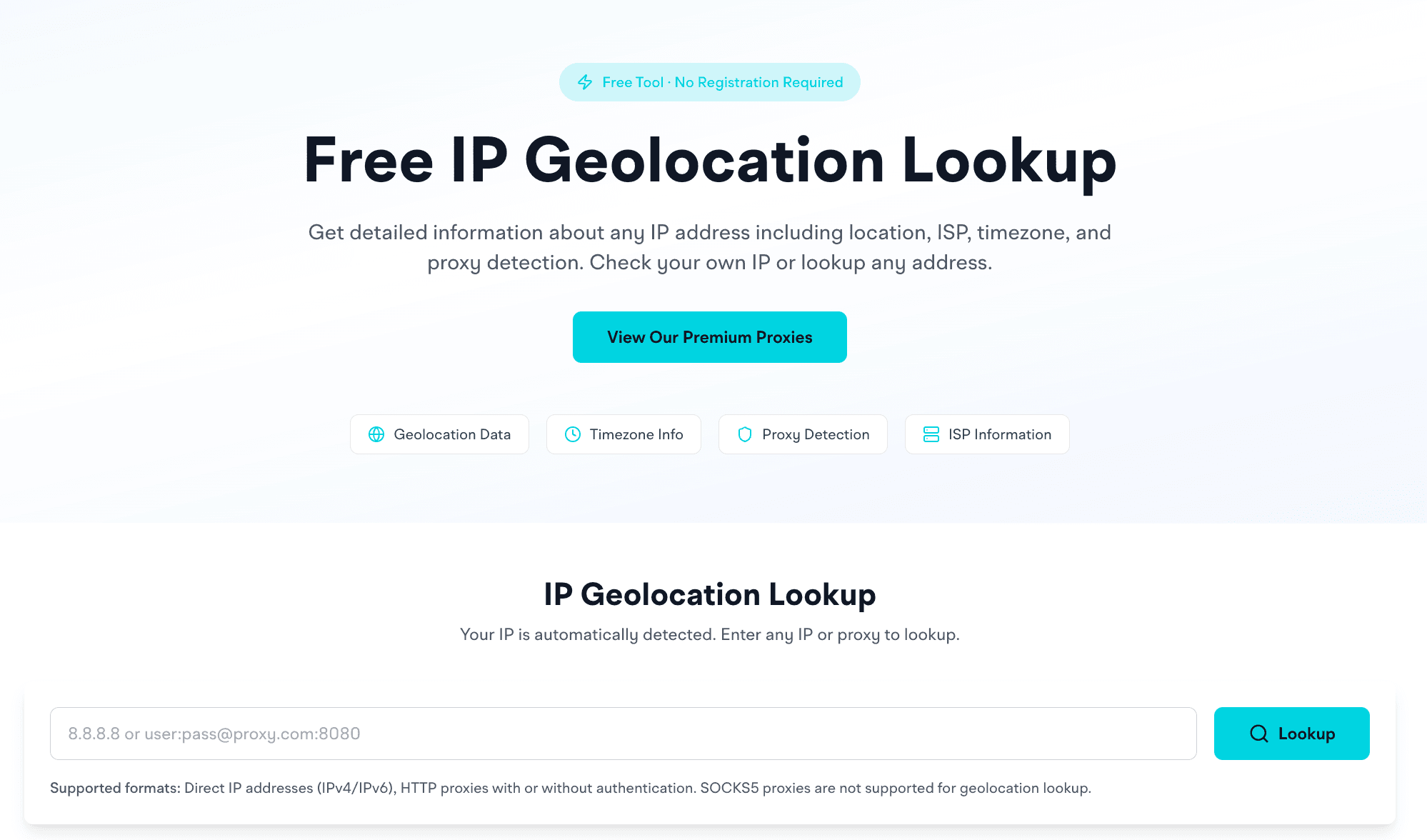
IP Geolocation Lookup
Free tool to look up the country, region, city, ISP, and ASN of any IP address
Works on any public IP, not just EclipseProxy ones. No signup required.
Open the IP Geolocation tool
https://www.eclipseproxy.com/tools/ip-geolocation
What it returns
For a given IP, you get:
Location
- Country (with flag)
- Region / state
- City
- Continent
- Latitude / longitude coordinates (plus a map view)
Network
- ISP (e.g.,
Cloudflare, Inc.) - Organization (e.g.,
Cloudflare WARP) - AS Number (e.g.,
AS13335 Cloudflare, Inc.)
Use cases
- Verify proxy exit IP location matches your targeting
- Identify unknown IPs in server logs
- Validate network information (ISP, ASN) for proxy diagnostics
Supported inputs
- Direct IP addresses, IPv4 and IPv6
- HTTP proxies with or without authentication: paste a
host:port:user:passstyle string and we'll extract the IP and look it up
Not supported: SOCKS5 proxies for geolocation lookup (technical limitation, SOCKS5 doesn't expose the underlying IP the same way HTTP does).
How it differs from running a request through the proxy
The geo lookup gives you info about a known IP. If you want to know "what IP does this proxy currently use right now," run an actual request through it first (e.g., with cURL against api.ipify.org), then paste the returned IP into this tool.
For rotating proxies, the IP changes per request: so a single lookup is just a snapshot.
Map view
The tool shows the IP's coordinates on an OpenStreetMap embed. Useful for sanity-checking: if you targeted Phnom Penh and the map drops a pin in Iowa, something's misrouting.
Continent field
Some IP records may not include continent information in the source database. Country, region, and city remain accurate.
Related
- Proxy Checker: test whether a proxy works at all
- Proxy Formatter: convert between proxy formats
- Wrong country IP troubleshooting: diagnose unexpected geo results